Comtech Systems

Ernakulam, Kerala
 Home
Home  About Comtech Systems
  service
  Make An Enquiry





Copyright © 2026 Citymapia.com. All Rights Reserved
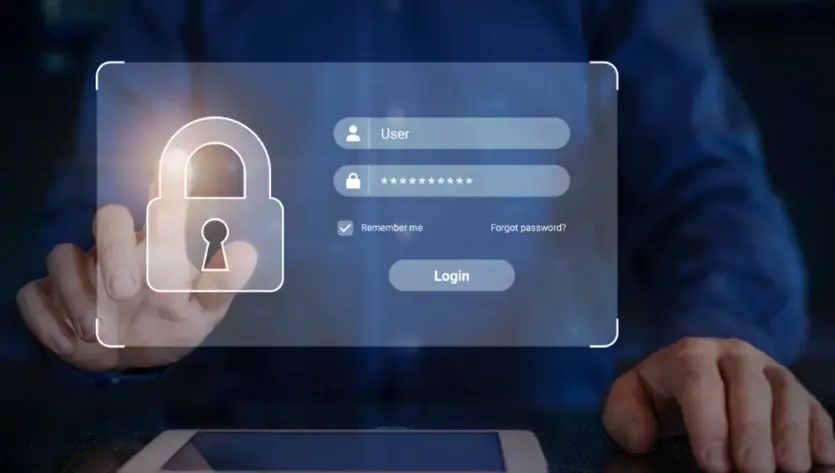
Advancing Security with Multi-Factor Authentication -
Posted On Sep 5, 2024Users must submit several forms of verification in order to access an account with Multi-Factor Authentication (MFA), which improves security. Multi-factor authentication (MFA) goes beyond passwords and may include biometric verification, such a fingerprint scan, or a one-time code given to a tablet. Higher security for sensitive data and systems is ensured by this extra layer of protection, which aids in preventing unwanted access even in the event that a password is compromised.
What is Multi Factor Authentication?
In order to access an account or system, users must supply more information than just a password with Multi-Factor Authentication (MFA), a multi-step account login process. Multiple modes of authentication are used to authenticate a user's identity as part of this improved security feature. Three different sorts of verification factors are typically included in MFA, like something you have (like a hardware token or mobile phone), something you know (like a password or PIN), and something you are (like a fingerprint or facial recognition). Users may be asked to submit a code delivered to their email, respond to a secret question, or scan their fingerprint after entering their password. Multiple forms of verification are required to securely log in, which helps prevent unauthorized access even in the case that the primary password has been hacked.
Why Multi Factor Authentication is necessary?
Digital security is essential in today's digital environment since both individuals and enterprises save sensitive information online. Using different online accounts, we communicate with online apps, services, and data. A breach or improper use of this data may have serious repercussions in the real world, such as money theft, interruption of operations, and invasion of privacy. Passwords provide some security, but they are not enough by themselves. Passwords are always being discovered and exploited by cybercriminals, and if a hacked password is used again, it may grant access to other accounts. With Multi-Factor Authentication (MFA), accounts can only be accessed after completing several forms of verification, adding a crucial extra layer of security. This keeps hackers from getting access even if they manage to steal a password. Businesses use MFA extensively to verify user identities and guarantee that access is only given to those who are allowed, improving overall security and safeguarding critical data.
How Multi Factor Authentication works?
Something You Have: The user can be asked to submit a biometric verification, like a facial recognition or fingerprint scan.
Second Factor Input: The user finishes the biometric check or inputs the extra verification code. Based on a possession or distinctive personal trait, this second degree of authentication verifies their identification.
Permission to Enter: The user is given access to the account or system if the password and the extra factor are both appropriately validated. Access is refused if any of the criteria are incomplete or erroneous.
What are the best practices for setting up multi-factor authentication?
It is essential that you stick to recommended practices when configuring Multi-Factor Authentication (MFA) in order to guarantee efficient security.
Select Robust Authentication Elements: For time-based one-time passwords (TOTPs), use authentication programs like Google Authenticator or Authy. To improve security, think about utilizing biometric factors like fingerprint scans or facial recognition.
Constantly monitor for suspicious activity and maintain device security: an eye out for suspicious activity can make sure your device is secure. To guard against unwanted access, set up alarms for odd login attempts, check authentication logs for questionable activity, and make sure MFA devices are encrypted and have strong passwords.

;)