Comtech Systems

 Home
Home  About Comtech Systems
  service
  Make An Enquiry





How to Secure Your Mobile Devices
Posted On Apr 10, 2025In today’s hyper-connected world, mobile devices have become indispensable. From managing finances to storing personal memories, our smartphones and tablets hold a treasure trove of sensitive information. However, this convenience comes with risks. Cybercriminals are constantly finding new ways to exploit vulnerabilities in mobile devices. This blog explores practical steps to secure your mobile devices and protect your data from potential threats.
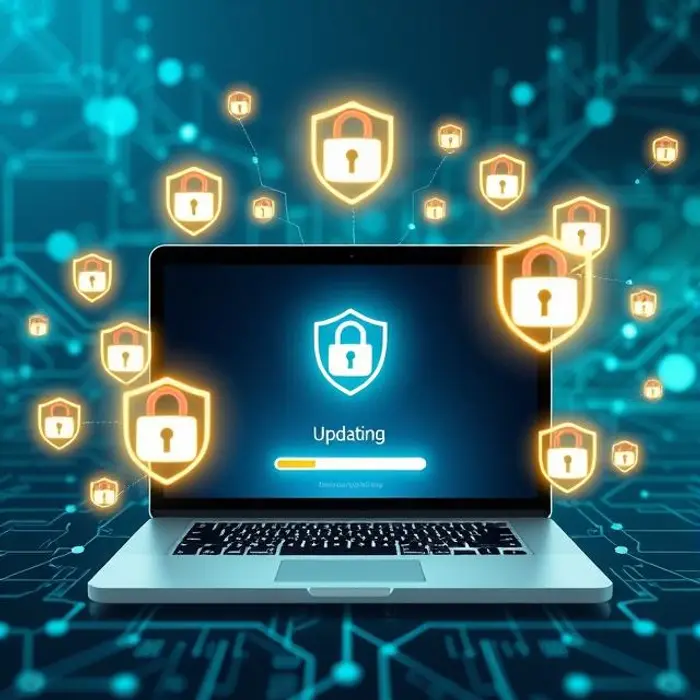
1. Keep Your Operating System and Apps Updated Regular updates are essential for maintaining the security of your mobile device. Developers release updates to patch vulnerabilities and enhance performance. Ignoring these updates leaves your device exposed to cyberattacks.
Enable automatic updates for your operating system and apps.
Regularly check for updates if automatic updates are disabled.
2. Use Strong Authentication Methods A strong authentication method is your first line of defense against unauthorized access.
Use biometric authentication, such as fingerprint or facial recognition, for added security.
Set a strong PIN or password that combines letters, numbers, and symbols.
Avoid using easily guessable information like birthdays or sequential numbers.
3. Be Cautious with App Permissions Many apps request permissions that are unnecessary for their functionality. Granting excessive permissions can compromise your privacy.
Review app permissions before installation.
Revoke permissions for apps that don’t need access to sensitive data.
Download apps only from trusted sources like Google Play Store or Apple App Store.
4. Enable Remote Wipe and Tracking Features In case your device is lost or stolen, remote wipe and tracking features can help protect your data.
Enable “Find My Device” on Android or “Find My iPhone” on iOS.
Use these features to locate your device or erase its data remotely.
5. Avoid Public Wi-Fi Networks Public Wi-Fi networks are a hotspot for cybercriminals. Avoid connecting to unsecured networks, especially when accessing sensitive information.
Use a Virtual Private Network (VPN) to encrypt your internet connection.
Disable automatic Wi-Fi connections to prevent your device from connecting to unknown networks.
6. Install a Reliable Mobile Security App Mobile security apps provide an additional layer of protection against malware and phishing attacks.
Choose a reputable security app with features like malware scanning, anti-theft tools, and web protection.
Regularly update the app to ensure it can detect the latest threats.
7. Encrypt Your Data Encryption ensures that your data remains unreadable to unauthorized users.
Enable full-disk encryption on your device.
Use encrypted messaging apps for secure communication.
8. Be Wary of Phishing Attempts Phishing attacks are designed to trick you into revealing sensitive information.
Avoid clicking on suspicious links in emails or messages.
Verify the sender’s identity before sharing personal information.
Use a spam filter to block phishing emails.
9. Backup Your Data Regularly Regular backups ensure that you can recover your data in case of a cyberattack or device failure.
Use cloud storage services or external drives for backups.
Schedule automatic backups to avoid forgetting.
10. Educate Yourself and Your Family Awareness is key to staying secure in the digital age.
Stay informed about the latest mobile security threats.
Teach your family members, especially children, about safe online practices.
Conclusion
Securing your mobile devices is not just a technical necessity—it’s a responsibility. By following these steps, you can significantly reduce the risk of cyberattacks and protect your personal and professional data. Remember, a secure device is a step toward a secure digital life.

;)