Comtech Systems

Ernakulam, Kerala
 Home
Home  About Comtech Systems
  service
  Make An Enquiry





Copyright © 2026 Citymapia.com. All Rights Reserved
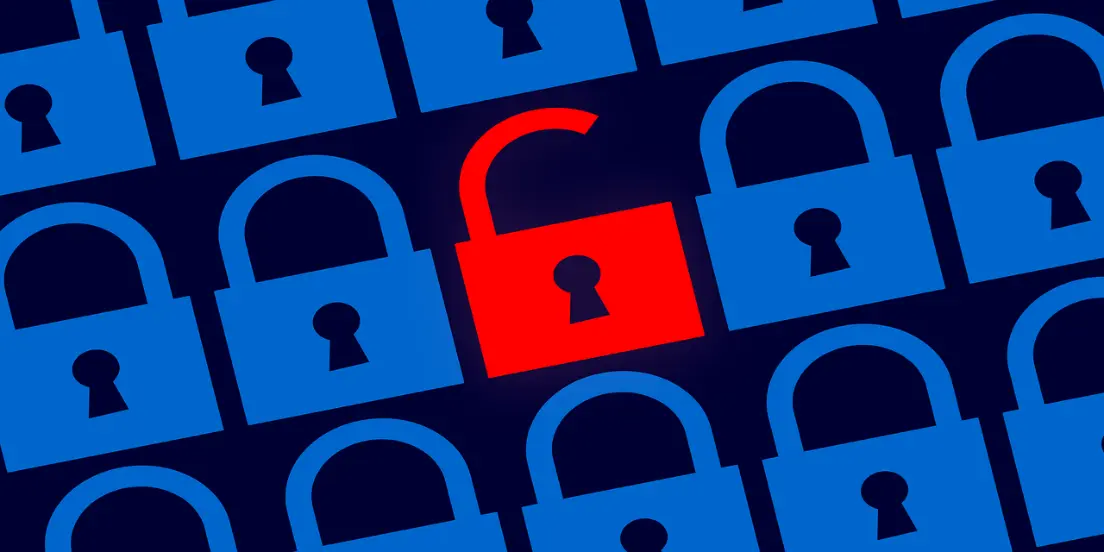
In 2024, Will Passwords Still Be Trustworthy?
Posted On Nov 27, 2024Imagine waking up to discover your private emails public or your bank account empty. Isn't it frightening? Our digital lives have long been secured by passwords, but as cyber dangers change, we must consider if passwords by themselves will still be effective in 2024. This query starts a larger conversation on digital security's future and if it's time to abandon conventional approaches. What’s your verdict? In 2024, the answer is clear: passwords alone are no longer enough. The combination of human error, evolving cyber threats, and technological advancements has rendered them insufficient. Should we abandon passwords entirely? Not necessarily. Instead, we should view them as one piece of a broader security puzzle. By adopting MFA, exploring passwordless options, and staying informed, we can better protect our digital lives.
How Did Passwords Become the Standard?
Ever wonder how passwords became our go-to security method? Initially, passwords were a simple and effective solution to protect accounts. Early computing systems relied on passwords to grant or deny access, and they worked well in an era of isolated networks.
But how much has changed since then? In today’s interconnected world, with billions of devices online, the stakes are much higher. Passwords now guard sensitive data, from financial accounts to personal identities. Unfortunately, as their importance grew, so did their vulnerabilities.
Why Are Passwords Failing Us?
Do you think your password is safe? Think again. Passwords have inherent weaknesses that cybercriminals exploit daily. Let’s explore some of the main issues:
- Weak PasswordsHow many people still use “123456” or “password” as their login credentials? A shocking number. Simplicity makes passwords easier to remember but also easier to crack.
- Password FatigueDo you struggle to remember all your passwords? You’re not alone. With an average user managing dozens of accounts, many resort to reusing passwords, making them vulnerable to credential-stuffing attacks.
- Data BreachesWhat happens when a company storing your passwords gets hacked? Leaked credentials often end up on the dark web, ready for exploitation.
- Evolving AttacksHow do cybercriminals bypass even complex passwords? Using advanced tools like AI-driven brute force or social engineering tactics, attackers adapt faster than ever.
What Makes Cyber Threats in 2024 So Dangerous?
Have you noticed how cyber threats are becoming more sophisticated? Passwords alone can’t keep up. Here’s why:
- Phishing AttacksHave you ever received a convincing email asking for your login details? Phishing scams have grown more realistic, fooling even tech-savvy users.
- Ransomware and Credential TheftHow often do hackers use stolen passwords as a foothold for larger attacks? Frequently. Ransomware often begins with a single compromised password.
- Interconnected DevicesDo you own a smart home device? Internet of Things (IoT) gadgets often have weak security, creating new entry points for attackers.
With these dangers lurking, relying solely on passwords is like locking your front door but leaving your windows open.
Why Is Multi-Factor Authentication So Important?
Is MFA foolproof? No, but it’s a significant improvement over passwords alone. Here’s why:
- Added LayersBy combining “something you know” (a password) with “something you have” (a device) or “something you are” (biometrics), MFA makes unauthorized access far more difficult.
- Resilience Against PhishingEven if a user falls for a phishing attempt, MFA often prevents attackers from proceeding without the additional factor.
So, should everyone enable MFA? Absolutely. It’s one of the simplest steps you can take to boost your security.
Is Passwordless Authentication the Future?
Do you think we’re ready for a world without passwords? Passwordless authentication is gaining traction. Here’s how it works:
- Biometric SecurityEver unlocked your phone with your face or fingerprint? That’s passwordless at work.
- Hardware Security KeysHave you seen those USB-like devices used for authentication? They generate unique codes, ensuring that only the keyholder gains access.
- Single Sign-On (SSO)Wouldn’t it be great to log in once and access multiple services? SSO allows users to authenticate with one secure method instead of juggling multiple passwords.
What’s holding passwordless back? Mainly adoption costs and user education. But as technology advances, these hurdles are quickly diminishing.
What Can You Do to Stay Safe?
Feeling overwhelmed by the risks? Don’t worry. Here are actionable steps to protect yourself:
- Enable MFA EverywhereDoes your bank, email, or social media platform offer MFA? Turn it on immediately.
- Use a Password ManagerDo you struggle with creating and remembering strong passwords? Let a password manager handle it for you. These tools generate and store unique passwords securely.
- Stay Vigilant Against PhishingHow often do you verify the sender of an email before clicking a link? Make it a habit. Always double-check URLs and never share personal information unless you’re certain it’s legitimate.
- Update Software RegularlyDo you skip software updates? Don’t. Patches fix vulnerabilities that attackers exploit.
- Educate Yourself and OthersHow well do your family, friends, or colleagues understand cybersecurity? Sharing knowledge can prevent avoidable mistakes.
What’s at Stake if We Don’t Evolve?
What’s the cost of ignoring these issues? Beyond personal losses, the consequences can ripple through businesses and economies. Imagine a major bank suffering a breach due to a single compromised password. What happens to customer trust, operational continuity, or legal liabilities? Can small businesses afford to recover from ransomware demands or reputational damage? For many, the answer is no. That’s why proactive security measures aren’t just a luxury—they’re a necessity.
;)