Comtech Systems

Ernakulam, Kerala
 Home
Home  About Comtech Systems
  service
  Make An Enquiry





Copyright © 2026 Citymapia.com. All Rights Reserved
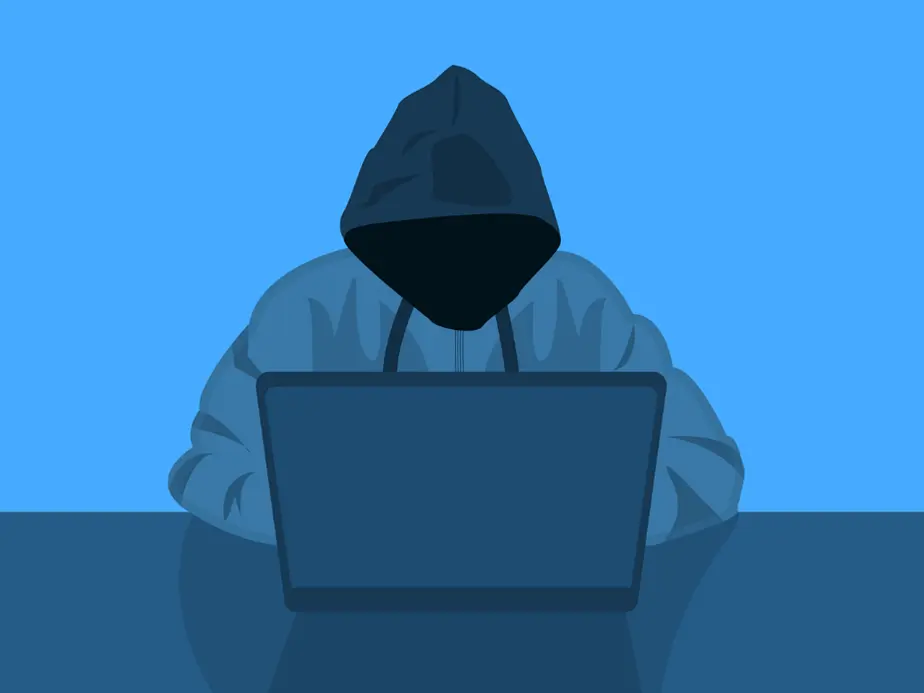
Is Your Smart Home Vulnerable to Cyberattacks?
Posted On Feb 11, 2025Smart homes have revolutionized modern living, offering unparalleled convenience, security, and energy efficiency. From voice-controlled assistants to smart thermostats and connected security cameras, these devices enhance our daily lives. However, with great convenience comes great risk. Cybercriminals are increasingly targeting smart home devices, exploiting security weaknesses to gain unauthorized access. But how vulnerable is your smart home? And what steps can you take to protect it?
Smart Home Cybersecurity Threats
1. Unsecured IoT Devices
Many smart home devices come with default usernames and passwords, which are often left unchanged by users. Hackers can easily exploit these default credentials to gain access to devices and manipulate them remotely.
2. Weak or reused passwords
Using weak passwords or repeating passwords on many devices raises the chance of hacking. If one account is compromised, all connected devices may be vulnerable.
3. Unpatched software and firmware.
Manufacturers frequently provide patches to address security problems. However, many users ignore these upgrades, leaving their devices vulnerable to known attacks.
4. Insecure network connections.
If your Wi-Fi network is not adequately secured, cybercriminals can intercept messages, get access to linked devices, or conduct attacks against your smart home system.
5. Malicious Applications and Phishing Attacks
Fake apps and phishing emails can deceive users into installing malware or disclosing vital information, allowing unwanted access to smart home devices.
Real-World Smart Home Cyberattacks
Several real-world incidents have demonstrated the vulnerabilities of smart home devices:
- Ring Camera Hacks: Hackers gained access to Ring security cameras due to weak passwords, spying on users and even speaking through the camera’s microphone.
- Mirai Botnet Attack: A large-scale attack where hackers used unsecured IoT devices to launch Distributed Denial-of-Service (DDoS) attacks.
- Smart Thermostat Manipulation: Hackers gained control of smart thermostats, increasing energy consumption and causing discomfort for users.
How to Secure Your Smart Home from Cyberattacks?
1. Change the default credentials immediately.
The majority of smart home devices have well-known default usernames and passwords. Change them as soon as you set up the device to avoid unwanted access.
2. Create strong and unique passwords.
Create complex passwords by combining uppercase and lowercase characters, numbers, and symbols. Consider using a password manager to keep track of separate passwords for each device.
3. Enable Two Factor Authentication (2FA).
When possible, activate two-factor authentication to add an extra degree of security. Even if your password has been obtained, a second verification step can help prevent unauthorized access.
4. Regularly update firmware and software.
Manufacturers routinely provide security patches to address vulnerabilities. Enable automatic updates if possible, or manually check for updates on a regular basis.
5. Secure your Wi-Fi network.
To safeguard your Wi-Fi, use strong WPA3 encryption (or WPA2).
Change the router's default login credentials.
Create a guest network for guests to help keep your main network secure.
6. Monitor Network Activity.
Use a network monitoring tool to identify any strange activities. If a device behaves strangely, investigate and take the necessary measures.
7. Disable Unused Features and Devices.
To reduce security concerns, disable smart features that you do not utilize. Disconnect any old or unwanted devices from your network.
8. Implement a firewall and VPN.
Firewalls can prevent malicious traffic from reaching your smart home network.
A Virtual Private Network (VPN) encrypts internet traffic, making it more difficult for attackers to intercept data.
9. Be cautious of third-party apps.
Only download software from reputable sites, such as the Apple App Store or Google Play. Avoid providing apps needless rights, especially those that require access to sensitive data.
10. Educate everyone in your household.
Cybersecurity is a shared responsibility. Educate family members about the dangers of cyberattacks and the best ways to keep devices secure.
Future Trends in Smart Home Security
As technology evolves, so do cybersecurity threats. Here are some emerging trends in smart home security:
- AI-Powered Security Solutions: Artificial intelligence is being used to detect and prevent suspicious activities in real time.
- Blockchain for IoT Security: Blockchain technology can enhance the security of smart home devices by decentralizing data storage and authentication.
- Stronger Encryption Standards: Advanced encryption techniques are being developed to protect smart home communications from cyber threats.
- Improved Regulations and Compliance: Governments are introducing stricter cybersecurity laws for IoT devices to enhance consumer protection.

;)