Comtech Systems

Ernakulam, Kerala
 Home
Home  About Comtech Systems
  service
  Make An Enquiry




Copyright © 2026 Citymapia.com. All Rights Reserved
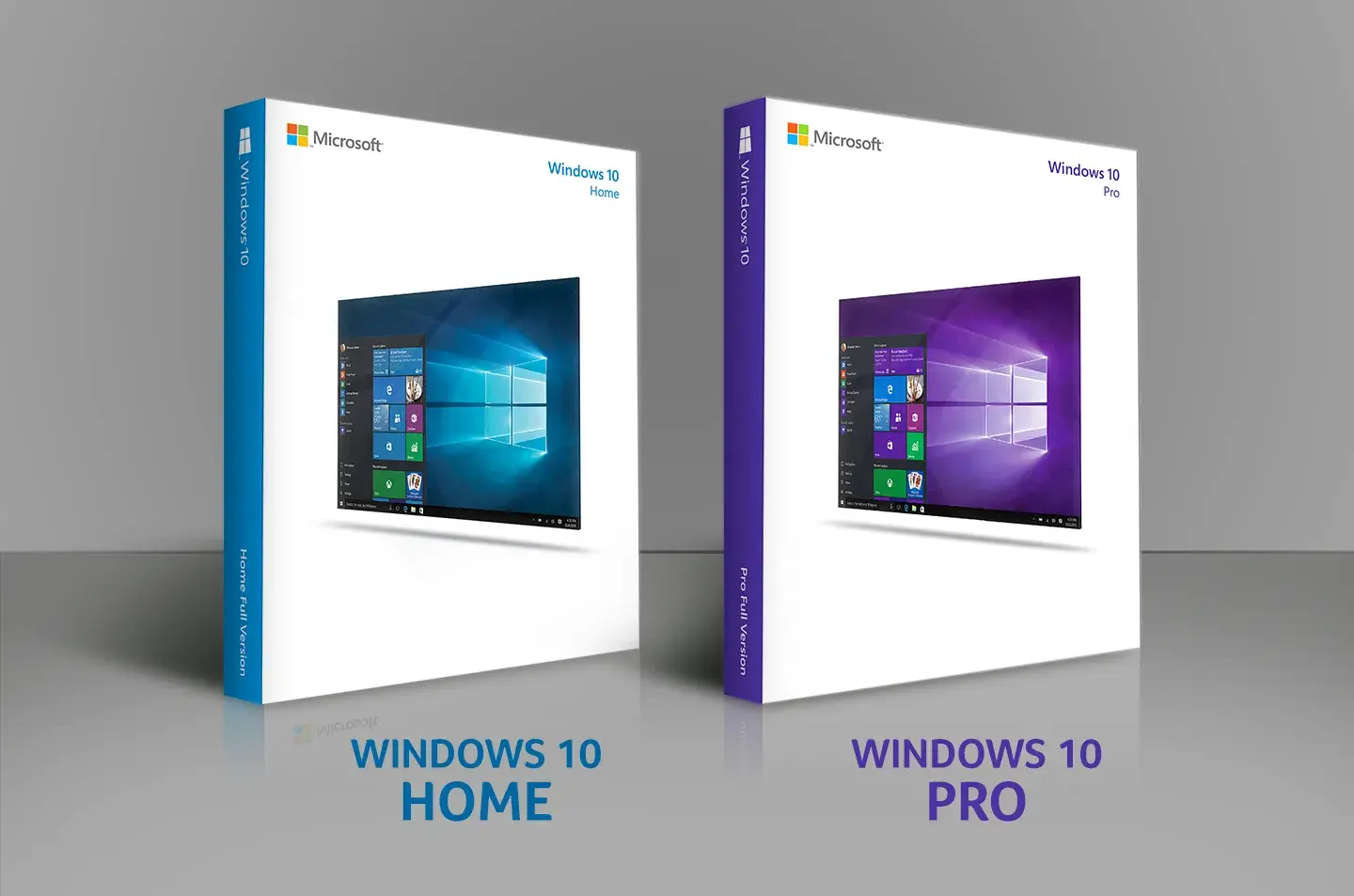
Windows 10 Home or Windows 10 Pro for Business?
Posted On Aug 11, 2021Microsoft Windows and the number of editions it has in each version is not all new to you. A very few differences exist that makes both versions different. Both Os looks so similar for a normal user. Read more!
Most of you reading this from their laptops, desktops, and computers have Windows 10 most probably. So what is so special about Windows 10 Pro that is different from the Windows 10 Home you are using? This is what we both ( you and us) are going to have a watch for this time.
Microsoft Windows and the number of editions it has in each version is not all new to you. It started from Windows XP. And hearing the word ‘pro’ from Windows 10 Pro can help you guess that there are features more than what you get from the Home version.
But the real fact is that very few differences exist that make both versions different. Both types of Operating System looks so similar that it is hard for a normal user to point out the differences. If you don’t want to go into detail on the differences, just know that all average features can be found in Windows 10 Home whereas for businesses Windows 10 Pro takes a step in terms of management and security.
What does Windows 10 Home & Windows 10 Pro has in common?
Windows 10 brought the Start Menu back which was not present in the previous edition- Windows 8. If you have used Windows 8, you may still remember searching for the shutdown button on your Windows Home screen.

You can find(but not see) the voice AI assistant- Cortana who helps you in both versions. This is the first time Cortana comes in Windows OS for desktop/laptop models. Previously, she is familiar with those who had Windows phones.
Microsoft Edge is the newest browser added to both these OS for a better browsing experience.
Smarter and secure log-in tech- Windows Hello makes the authentication/log-in easier. You don’t need to remember tough passwords or prove that you own the device you use. Windows Hello uses your fingerprint, iris scan or facial recognition within less time to unlock your device.
Streaming games are also similar for Home and Pro versions via the Xbox One. To summarize, gamers can stay with Windows 10 Home and can use the additional money in purchasing a video card or external memory if not spend on the Pro version.
Both OS cares for your battery life and helps you by giving out the ‘Battery Saver’ option which automatically saves battery and limits unnecessary battery life-stealing activities.
Home versions also give the new generation Virtual Desktop and Snap Assist features. Snap Assist allows up to 4 apps on one screen.
Today most desktops and laptops come with Windows 10 which is highly sufficient for users with average to bit higher-level needs.
What more does Windows 10 Pro give?

In short, as said earlier- Windows 10 Pro is best for businesses from medium to large scale who depends on technology assistance and protection. Workstations properly need the And Windows 10 Pro gives them-
1. Domain Join
2. Group Policy Management
3. BitLocker
4. Enterprise Mode Internet Explorer (EMIE)
5. Assigned Access 8.1
6. Remote Desktop
7. Hyper V
8. Direct Access
1. Domain Join- favours users to securely connect to their work domains by logging in with credentials.
2. Group Policy management- best for organizations with multiple users which can be controlled in a single environment.
3. BitLocker- is the same as FileVault in MacOS. Your data is safe from hackers as BitLocker using powerful data encryption.
4. Enterprise Mode Internet Explorer (EMIE)- a tool used to access web applications that cannot run in Internet Explorer 11. Microsoft has already ended support for IE8, IE9 & IE10. So the applications that run in these browsers can also be run in EMIE
5. Assigned Acess 8.1- If different users use the same OS, the Pro version allows the admin to access or prevent other users from accessing specific applications.
6. Remote Desktop- This allows you to remotely control from another device using your network.
7. Hyper V- is the build-in virtualisation tool which if purchased otherwise could be expensive. It runs all virtual machines. Although it comes with Pro, you have to download it separately.
8. Direct Access- VPN like technology allowing user computers to utilise the intranet connectivity while being connected to the internet.
Interested in how to set up Windows 10 & other virtual features? Leave your details here and let’s connect virtually!








;)